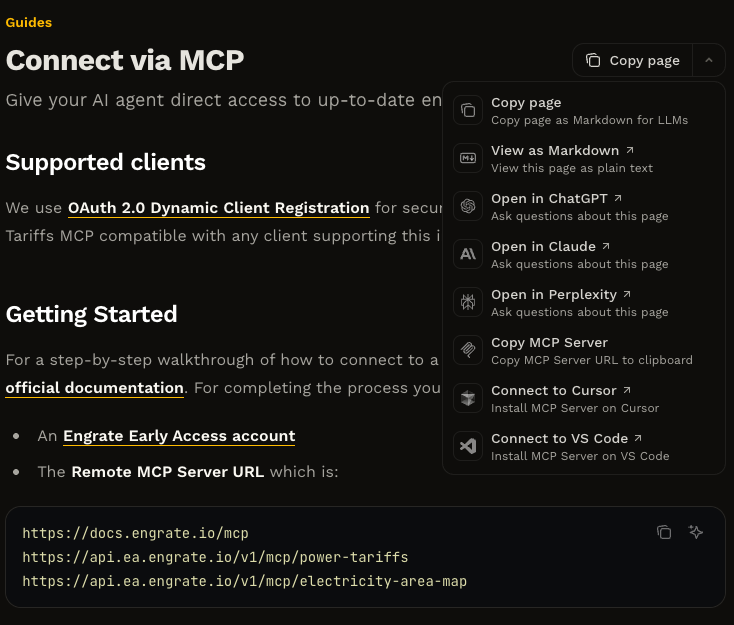
Supported clients
We use OAuth 2.0 Dynamic Client Registration for secure authentication, making the Engrate MCP compatible with any client supporting this industry-standard flow.Getting started
For a step-by-step walkthrough of how to connect to a Remote MCP Server please see the official documentation. For completing the process you’ll need 2 things:- An Engrate account
- The Remote MCP Server URL:
Example: Connecting Claude to Engrate Integrations
As an administrator of your company’s organization, you can add custom connectors to enable your teams to access all Engrate integrations available to your organization. For complete details on custom connectors, refer to the official Anthropic documentation here.1
Add custom connector
Navigate to Admin settings and click Add custom connector.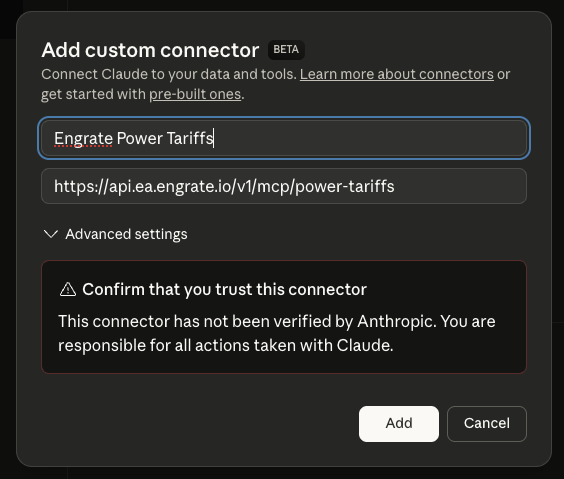
2
Connect to Engrate MCP
Click Connect on the newly added Engrate connector.
3
Authenticate and register client
Log in with your Engrate account credentials. This initiates OAuth 2.0 Dynamic Client Registration, which automatically provisions secure credentials for your organization’s Claude instance and establishes an authorized connection to Engrate’s APIs.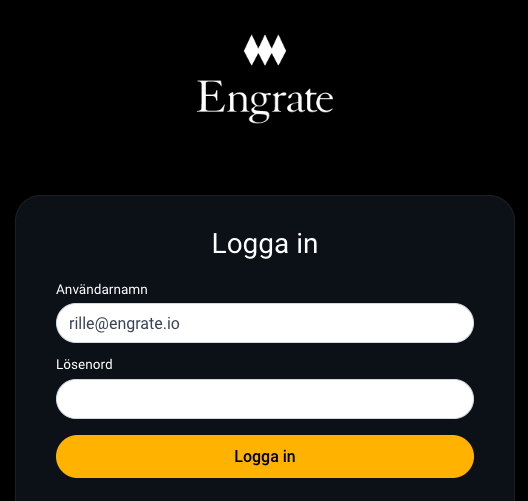
Start using Engrate data
Your prompts now have direct access to all Engrate products — Cost of Energy, Schedule Management, and more. Claude can query tariffs, calculate energy costs, explore grid areas, and build prototypes using your organization’s Engrate integrations.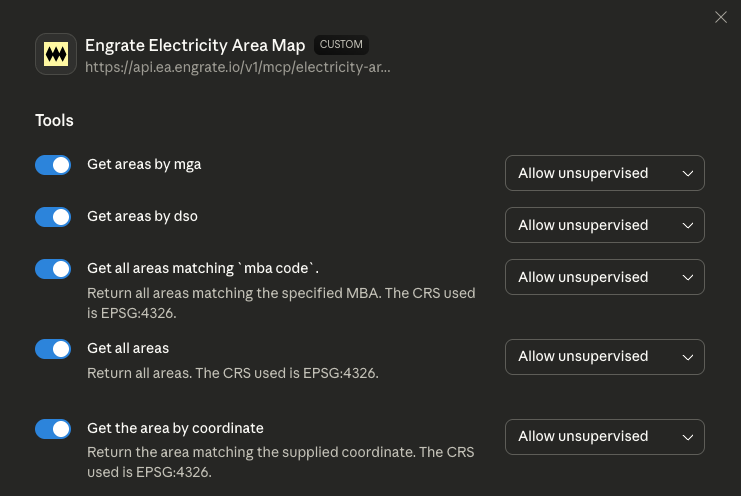
Connect to Engrate documentation
Connecting your IDE or editor to Engrate’s documentation MCP server provides AI-assisted access to our API documentation, code examples, and integration guides directly in your development environment.- VS Code
- Cursor
- Claude Code
- Claude
You can always use the Contextual menu at the top of this page (arrow right next to “Copy page”) to quickly add documentation to various options.