

Get an API key
If your company does not have access to the Engrate Console yet, contact us.- Sign in to console.engrate.io.
- Go to API keys.
- Select +.
- If you want, give the key a name. Then select Create.
- Copy the key.
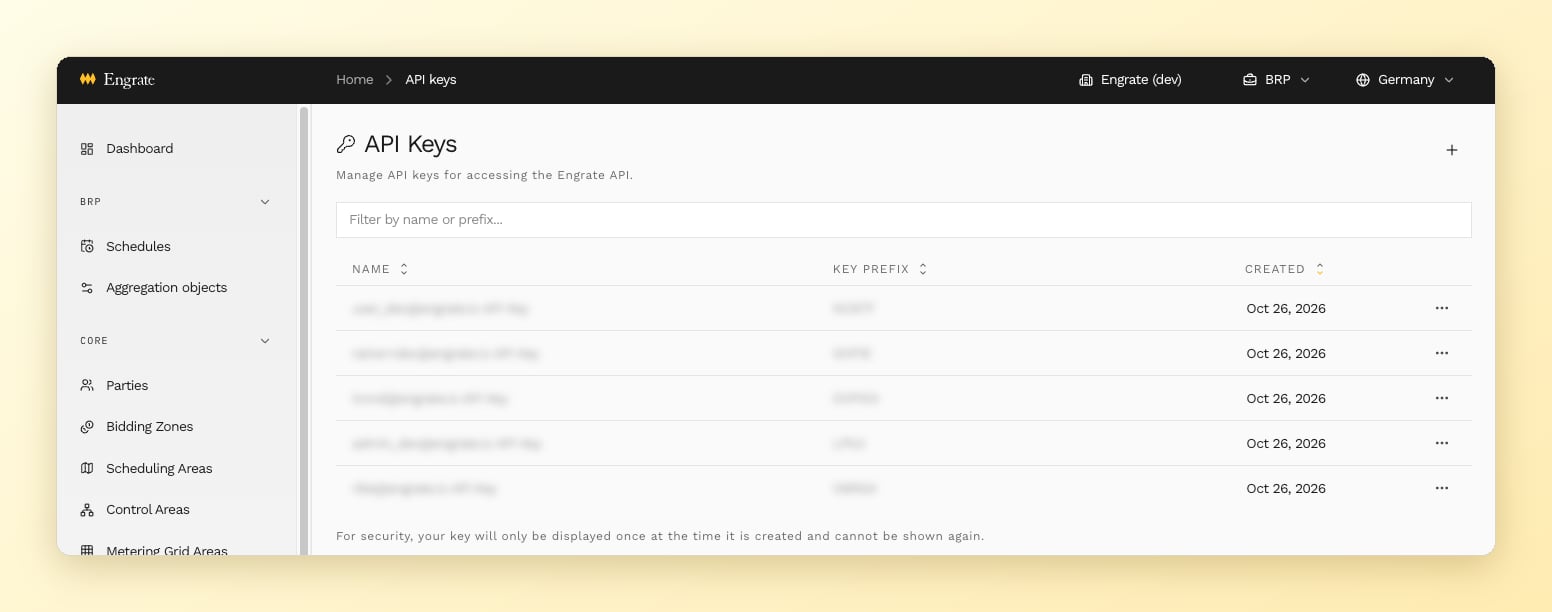
API keys in the console
Send the API key in a request
Put the API key in theauthorization header of each request. Do not add a prefix such as Bearer before the key.